


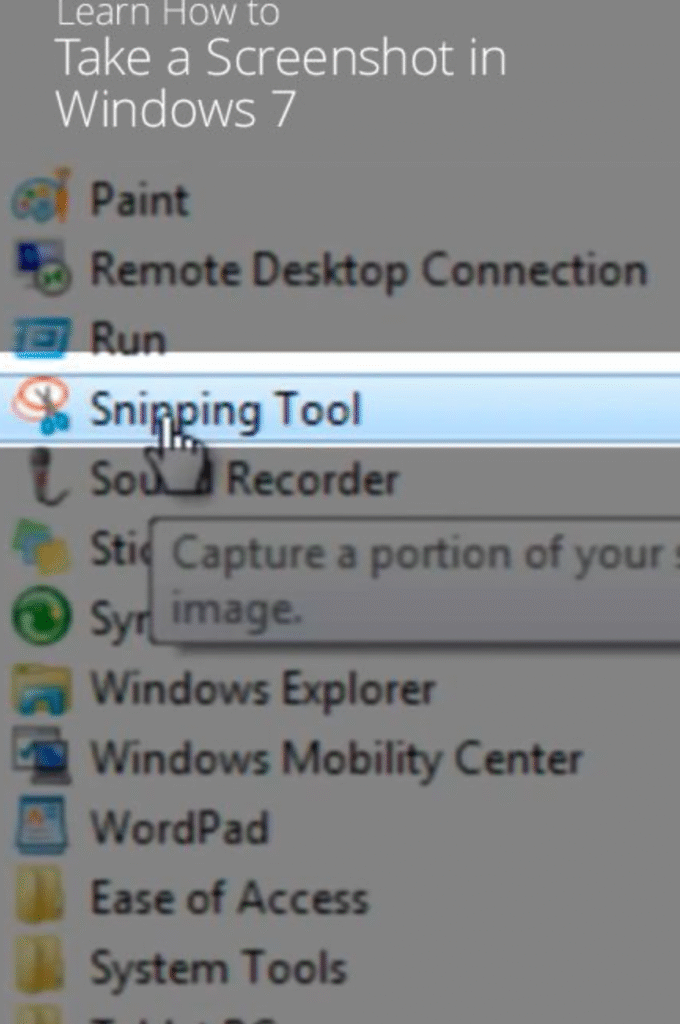
I can’t record the screen as a video with the snipping tool. When I press shift+windows key+s, I can only take a screenshot. When I press shift+windows key+r, nothing opens.
- Open the Settings app, then go to Apps > Installed Apps.
- Scroll down to find the Snipping Tool app. Select it, then select “Advanced Options.”
- Run the Repair option, then Reset.
Once this is complete, check if the video recording function is working properly. 2
If the video recording option still doesn’t work, uninstall the Snipping Tool app and restart your computer. Then, download and install the latest version of the Snipping Tool app from the Store.


If the app is not up to date, update it. If you type “SCREENSHOT AND DRAFT“, it will appear.
Step 2: If the problem persists despite the updates, test by resetting the app to its defaults. To do this, go to the Start menu > Settings > Applications > Installed Applications. Find the app there and reset it to its default settings.